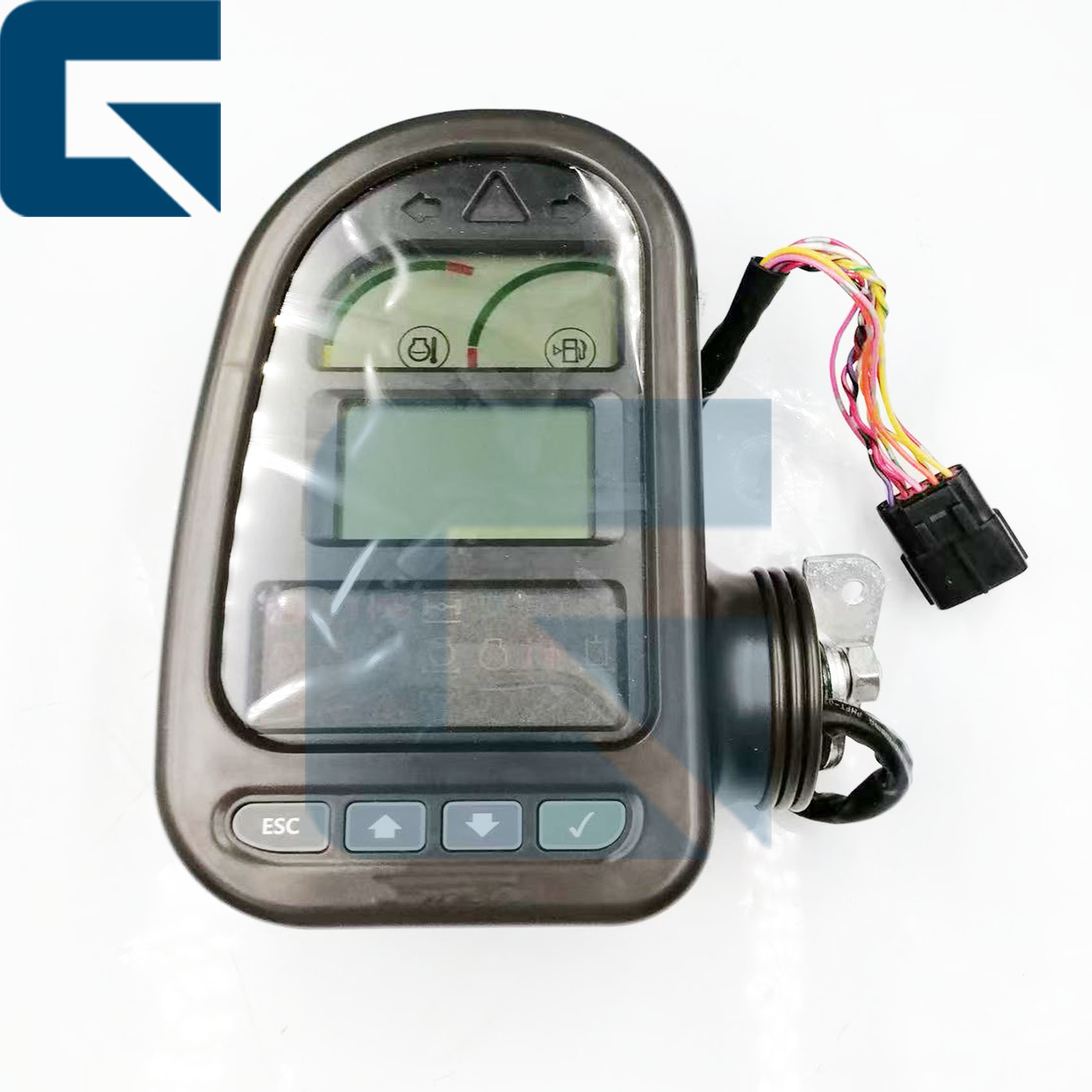
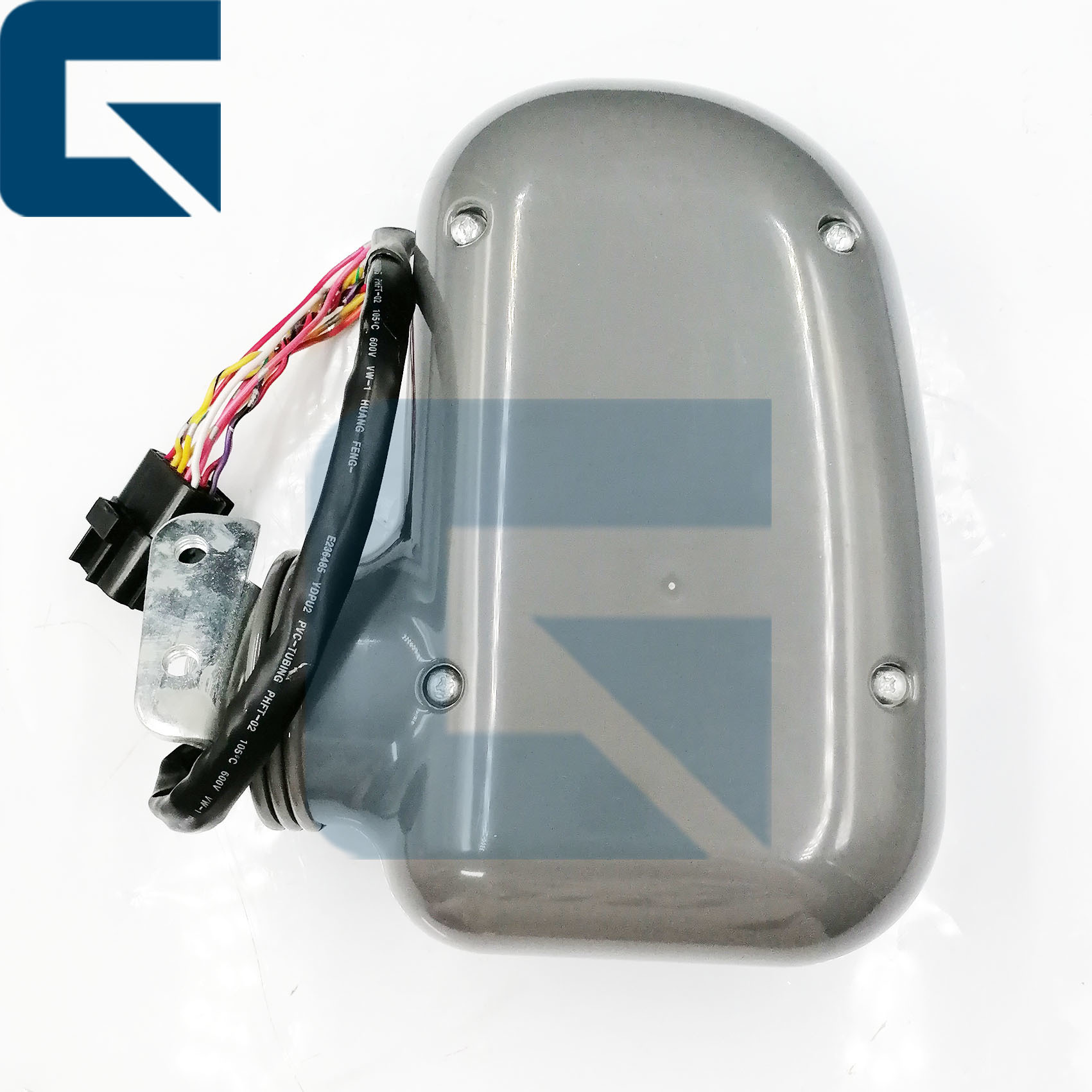
Panneau de commande d'affichage du moniteur pour LG6210E & LG6225E
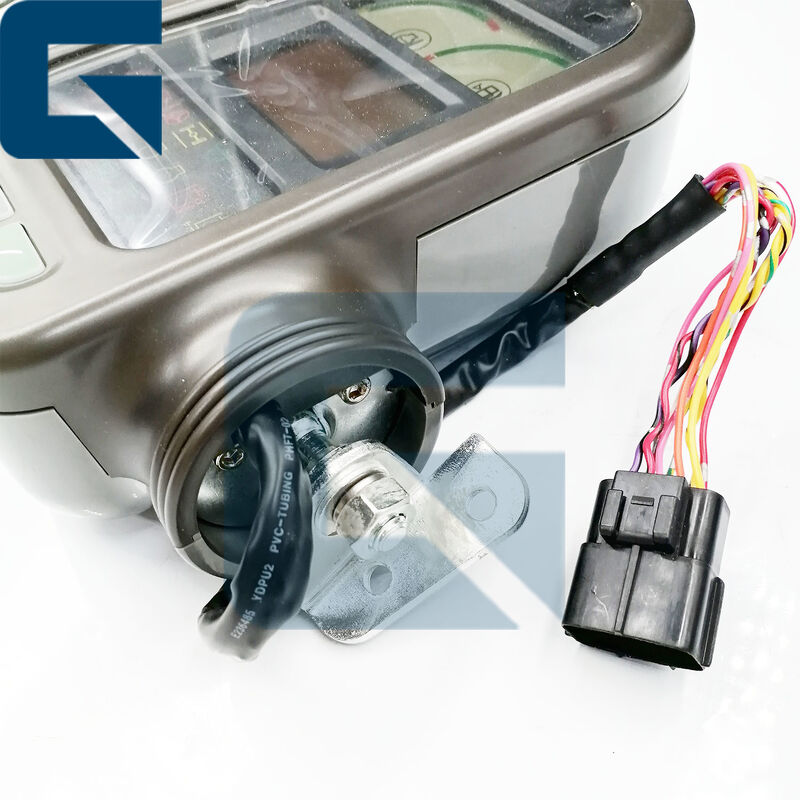
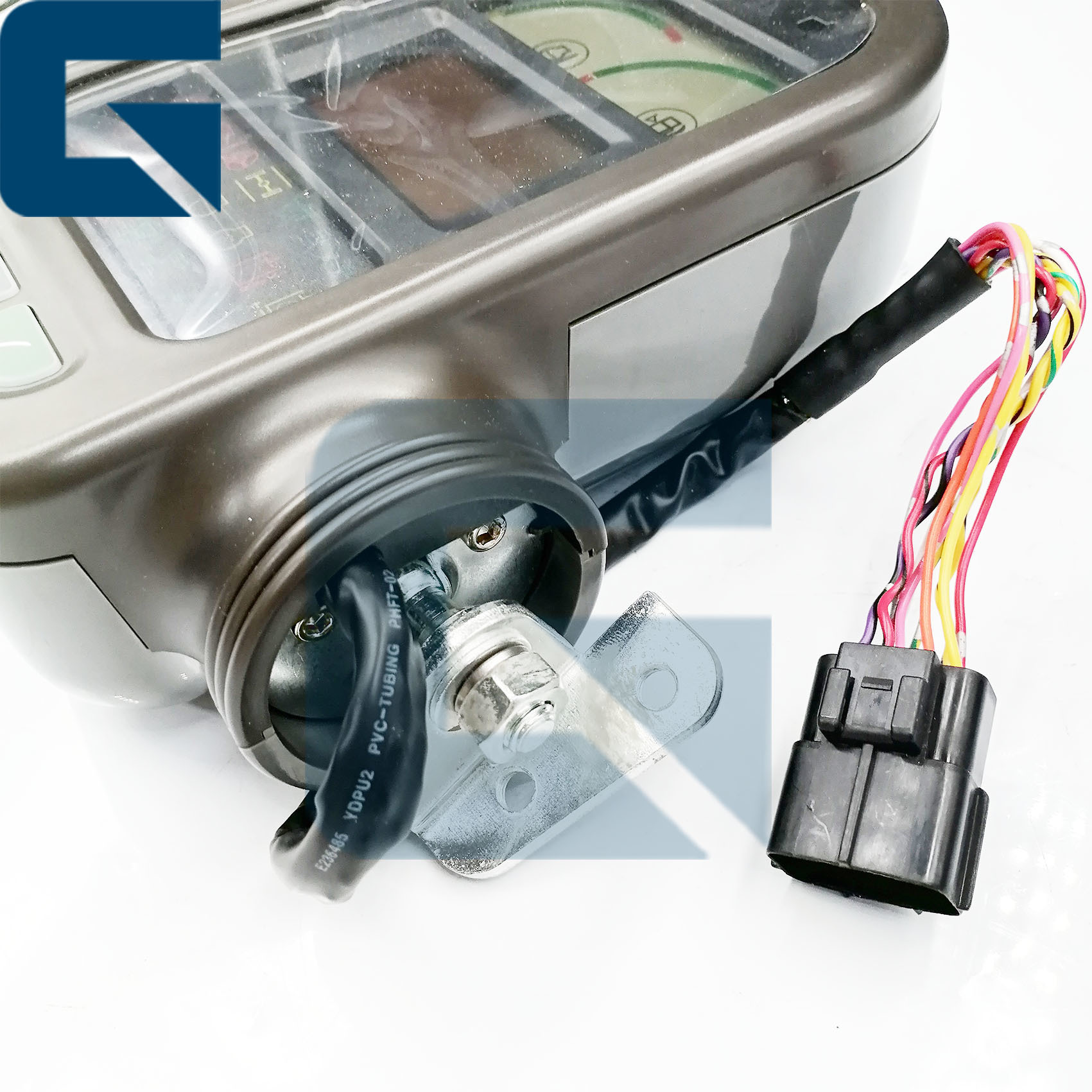
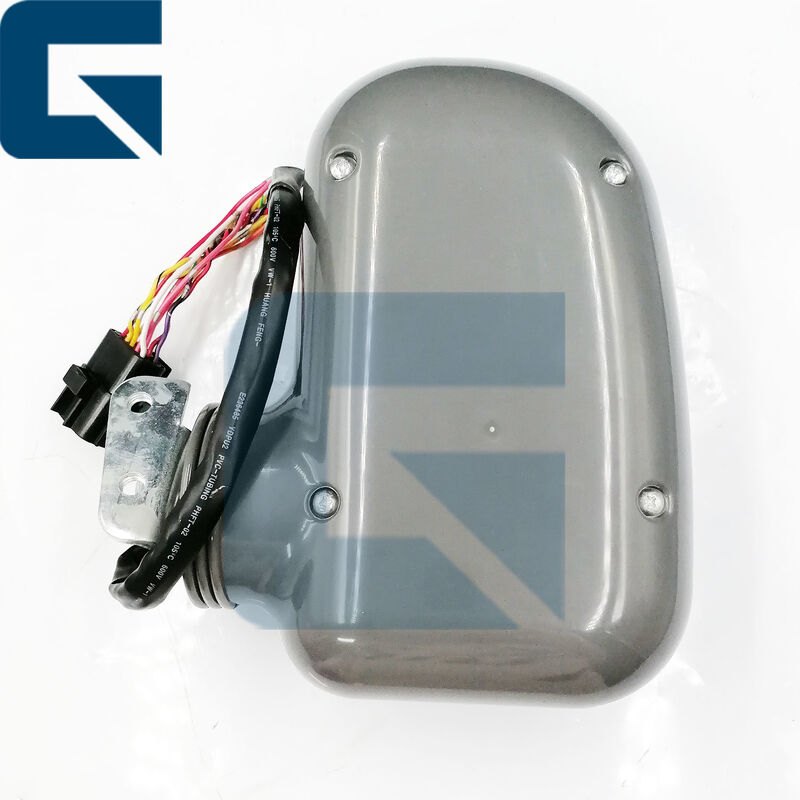
Numéro de pièce : 14401539 - Panneau de commande d'affichage de moniteur de remplacement de haute qualité compatible avec les modèles d'excavatrices LG6210E et LG6225E.
Spécifications du produit
| Nom du produit |
Moniteur |
| Numéro de pièce |
14401539 |
| Nom de la marque |
JIAJUE |
| Modèles compatibles |
LG6210E, LG6225E |
| État |
Nouveau |
| Disponibilité |
Stock important |
| Poids approximatif |
2KG |
| Dimensions (par unité) |
30cm x 30cm x 10cm |
Expédition et paiement
| Délai de livraison |
Généralement 1 à 3 jours après paiement |
| Méthodes d'expédition |
DHL, FedEx, TNT, UPS |
| Délai d'expédition |
Dans les 24-48 heures |
| Méthodes de paiement |
TT, Western Union, Carte de crédit, PayPal |
Images du produit

Vue de face
Vue latérale
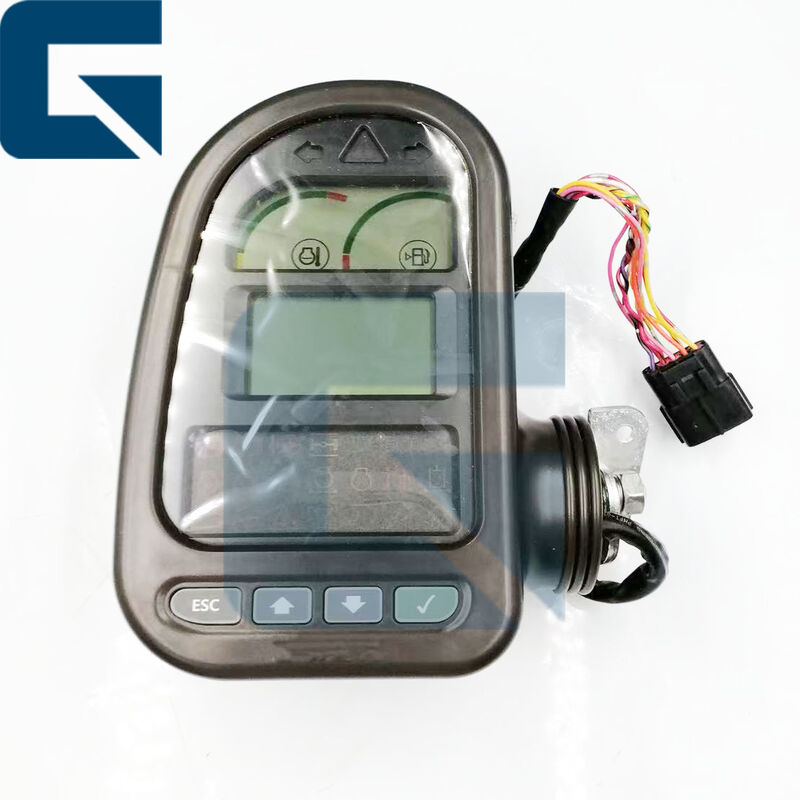
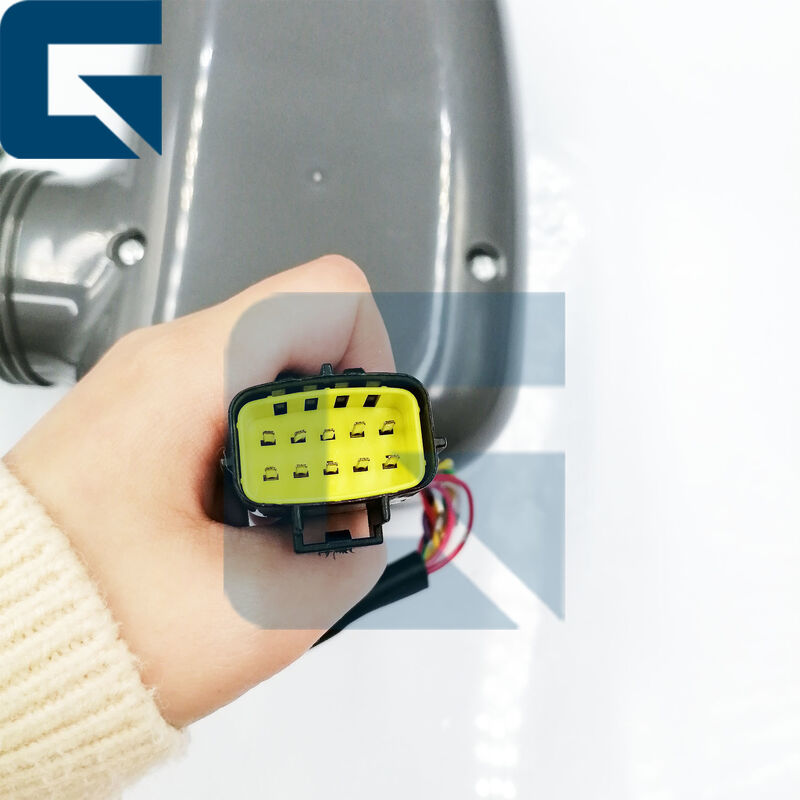
Vue arrière
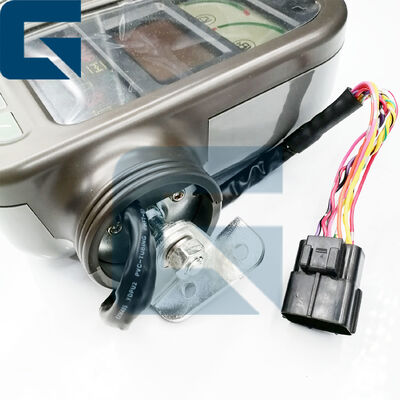
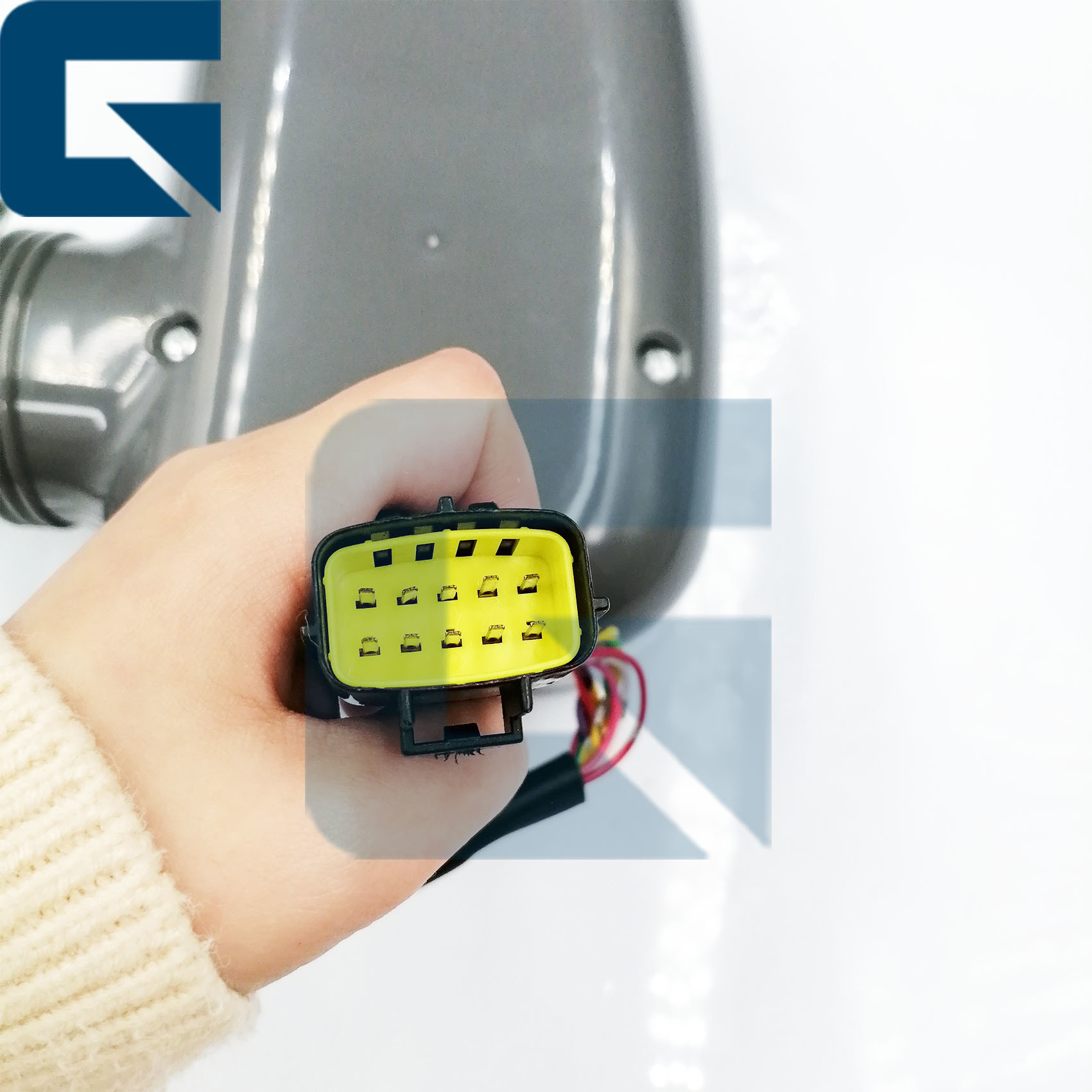
Détail rapproché
Produits associés
Questions fréquemment posées
Q1 : Quelles sont les étapes pour installer le moniteur ?
Couper l'alimentation → Protection antistatique → Nettoyage et inspection → Connexion du faisceau de câblage → Installation sécurisée → Configuration et débogage du système → Entretien et nettoyage réguliers, éviter l'humidité.
Q2 : Que signifie la "compatibilité" pour les moniteurs d'excavatrices ?
La "compatibilité" des moniteurs d'excavatrices fait référence à deux dimensions : l'universalité matérielle et l'intégration de la plateforme logicielle.
Q3 : Que devons-nous faire lorsque le moniteur est noir ou n'affiche rien ?
- Moniteur non alimenté ou cordon d'alimentation lâche → Vérifiez si le cordon d'alimentation du moniteur est correctement connecté et assurez-vous que l'alimentation est activée.
- Dysfonctionnement matériel du moniteur → Envisagez de remplacer ou de réparer le moniteur.
Q4 : En cas de dysfonctionnement du moniteur, le vendeur résoudra-t-il le problème ?
Oui, les clients peuvent fournir des photos et des vidéos, et nos techniciens détermineront le problème et vous aideront à le résoudre.
Q5 : Pourquoi choisir la société Guangzhou Jiajue ?
Parce que nos moniteurs sont testés avant expédition pour garantir leur bon fonctionnement après l'installation.
Guide de test étape par étape
Astuce de pro : Les systèmes HEUI (Hydraulic Electronic Unit Injection) sont extrêmement sensibles à la contamination. Une seule poussière peut entraîner une défaillance prématurée.
1. Mise sous tension - Assurez-vous que l'alimentation principale de l'excavatrice est activée.
2. Inspection visuelle - Vérifiez le moniteur pour tout dommage physique, tel que des fissures ou des boutons non fonctionnels.
3. Vérification de l'affichage - Vérifiez que l'écran du moniteur s'allume et affiche les informations clairement, sans distorsion ni scintillement.
4. Test de fonctionnalité - Vérifiez si tous les boutons et les fonctions tactiles (le cas échéant) répondent correctement aux entrées. Naviguez dans différents menus et paramètres pour vous assurer que le moniteur contrôle toutes les fonctions essentielles de l'excavatrice.
5. Test de connexion - Si le moniteur interagit avec d'autres systèmes (par exemple, caméras, capteurs), assurez-vous que ces connexions sont sécurisées et opérationnelles. Testez toutes les fonctionnalités intégrées telles que la sortie audio ou les entrées vidéo externes, le cas échéant.
6. Luminosité et contraste - Réglez les paramètres de luminosité et de contraste pour vous assurer qu'ils fonctionnent correctement et offrent une visibilité adéquate dans différentes conditions d'éclairage.
7. Documenter les constatations - Enregistrez tout problème observé pendant les tests et notez si le moniteur nécessite une attention supplémentaire ou un remplacement.
8. Consultation - Si le moniteur présente des problèmes persistants ou des dysfonctionnements, consultez un technicien qualifié ou l'équipe de support du fabricant pour obtenir des conseils sur les réparations ou le remplacement.
En suivant ces étapes, vous pouvez tester efficacement le moniteur d'une excavatrice pour vous assurer qu'il fonctionne correctement et contribue à des opérations sûres et efficaces.
Profil de l'entreprise
Exposition
Environnement d'usine
Emballage et expédition




 Votre message doit contenir entre 20 et 3 000 caractères!